
MedBrain: The Essential Audit Trail for Your PrestaShop Store
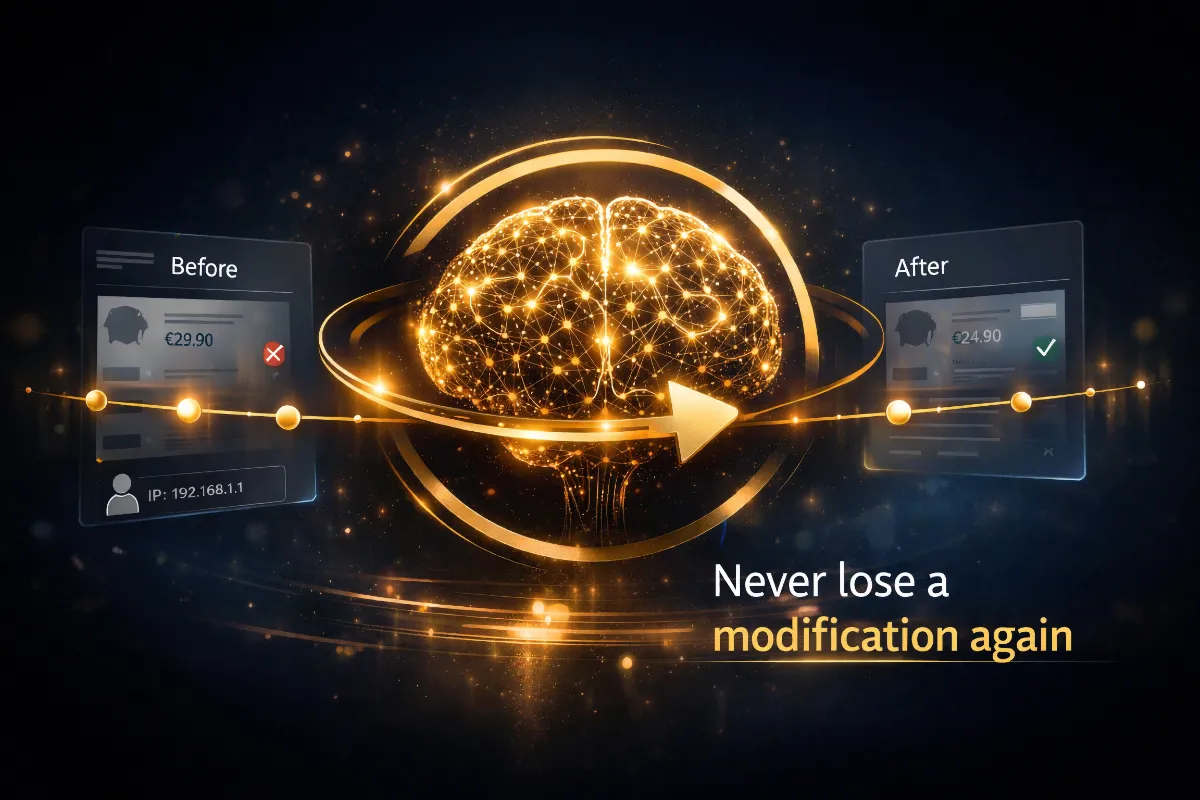
Who changed that product? When? Why did the price change? An employee accidentally deleted a category… MedBrain answers all these questions and lets you restore any object with a single click.
1. The Problem: Flying Blind
Every PrestaShop store manager has been there: a price changes without explanation, a product listing is modified by a colleague with no one remembering it, or worse, an object is deleted by mistake with no way to recover it.
By default, PrestaShop keeps no history of changes made to back-office objects. Whether it’s a product, customer, order, carrier or price rule, every modification simply overwrites the previous version. There is no built-in activity log that tells you:
- Who made the change
- When it happened
- Which fields were modified
- What the values were before and after the change
This lack of traceability creates serious problems on stores managed by multiple people: conflicts between team members, undetected errors, no way to roll back, and considerable time spent diagnosing where a problem originated.
2. The Solution: MedBrain
MedBrain is a comprehensive PrestaShop audit trail module that turns your back office into a fully traceable environment. It automatically records every object creation, modification and deletion, stores the complete before and after data for each change, and gives you the ability to restore any previous version with a single click.
Think of it as a versioning system — similar to Git for source code — but applied to all the data in your PrestaShop store. Every change is tracked, every version is preserved, and nothing is ever permanently lost.
In a nutshell, MedBrain gives you:
- A complete, automatic history of every change
- Traceability by employee, date, time and IP address
- Field-by-field version comparison (diff view)
- Instant restoration of modified or deleted objects
- CSV export of the full history for external auditing
3. How It Works
MedBrain relies on PrestaShop’s native hook system to intercept object operations. This approach is non-invasive: the module uses no overrides and does not modify any PrestaShop core files.
3.1. Automatic Detection
Whenever a PrestaShop object is created, updated or deleted in the back office, MedBrain intercepts the event through the actionObjectAddAfter, actionObjectUpdateBefore, actionObjectUpdateAfter and actionObjectDeleteBefore hooks. The module captures the full state of the object at each stage.
3.2. Intelligent Recording
For each event, MedBrain records:
- The object class (Product, Customer, Order, Category…)
- The object identifier
- The action type (create, update, delete)
- The complete data before and after the change (JSON format)
- The precise list of changed fields with their before/after values
- The employee who performed the action
- The exact date and time
- The employee’s IP address
- The shop identifier (multi-shop support)
3.3. Smart Change Detection
MedBrain doesn’t blindly record everything. The module compares the before and after data and identifies which fields actually changed. System fields like date_upd or updated_at are automatically ignored to prevent false positives. If an “update” operation changes no significant fields, no history entry is created.
4. Detailed Features
4.1. Automatic Tracking of 48+ Object Classes
By default, MedBrain monitors all major PrestaShop object classes:
Default tracked classes
- Commerce: Product, Category, Customer, Address, Order, OrderState, Cart, CartRule, Carrier, SpecificPrice
- Catalogue: CMS, Feature, FeatureValue, Image, Manufacturer, Supplier, Tax, TaxRule
- Administration: Employee, Profile, Group, Contact, Language, Currency
- Configuration: Country, Zone, Meta, Page, RangePrice, RangeWeight
Purely technical classes (Cache, Log, SearchEngine, StockAvailable…) are excluded by default to avoid excessive data volume. You can customise this list at any time from the module configuration.
4.2. One-Click Restoration
This is MedBrain’s flagship feature. From the detailed view of any history entry, a “Restore” button lets you revert the object to its previous state. This works for:
- Modifications: roll back to any previous version of an object
- Deletions: recreate a deleted object with all its original data, preserving its original identifier
A confirmation dialog details exactly what will be restored before proceeding, preventing accidental actions.
4.3. Field-by-Field Comparison
For every modification, MedBrain displays a clear table showing, for each changed field, the before and after values. This diff view lets you instantly identify what changed and assess whether the change was intentional.
4.4. Full Administration Interface
The module adds a dedicated admin controller with:
- Paginated, filterable list of all history entries
- Quick filters by object class (top 15 most frequent)
- Sorting by date, class, action, employee, IP
- Bulk actions (mass deletion)
- Real-time statistics (total entries, today’s count)
- Colour-coded badges for quick visual identification of action types (green = create, orange = update, red = delete)
4.5. Retention Management
To prevent uncontrolled database growth, MedBrain offers two automatic cleanup mechanisms:
- Maximum versions per object: keep only the last N versions of each object (oldest entries are automatically removed)
- Retention period: automatically delete entries older than X days
Both settings can be disabled (value 0) for unlimited history.
4.6. CSV Export
The complete history can be exported in CSV format for processing in a spreadsheet or integration with external audit tools. The export respects active filters, allowing you to extract only the relevant data.
5. Real-World Use Cases
Case #1 — Accidental Price Change
An employee accidentally changes the price of a flagship product from $49.90 to $4.99. Without MedBrain, several orders ship at the wrong price before the error is caught. With MedBrain, the administrator spots the change in the history, identifies it in seconds through the diff view, and restores the correct price with one click.
Case #2 — Category Deletion
A team member accidentally deletes a category containing 200 products. Normally, this category is permanently lost. With MedBrain, the deletion event is recorded with all the category’s data. The administrator restores it with its original identifier.
Case #3 — Internal Audit
The store manager wants to review all changes made to customer records over the past month. They filter the history by the “Customer” class and export the results to CSV. Within minutes, they have a complete report showing who changed what, when, and from which IP address.
Case #4 — Bug Diagnosis
A carrier has not been working correctly for several days. Rather than searching blindly, the administrator filters the history by the “Carrier” class and immediately discovers that an employee modified the carrier’s weight range three days ago. They compare the values and restore the correct configuration.
Case #5 — Multi-Employee Management
On a store managed by 5 people, a disagreement arises over who changed the conditions of a cart rule. MedBrain settles the question in seconds: the history clearly shows the employee, the date and the exact changes made to the rule.
6. Before & After MedBrain
| Scenario | Without MedBrain | With MedBrain |
|---|---|---|
| A price is changed by mistake | No way to know who changed it or what the original value was | Employee, date and original value identified in one second, restored in one click |
| An object is deleted | Data permanently lost | Full restoration from history |
| Need to audit recent changes | No native tool available | Filterable history + CSV export |
| Diagnosing a problem | Long, uncertain manual investigation | Filter by class/date, field-by-field diff |
| Employee accountability | No traceability whatsoever | Every action linked to an employee + IP |
7. Technical Specifications
The module uses a single database table (medbrain_history) with optimised indexes on the most frequently queried columns: object_class, id_object, action, id_employee and date_add. Before/after data is stored as JSON in LONGTEXT fields.
8. Installation & Configuration
8.1. Installation
Installation follows the standard process for any PrestaShop module:
- Download the module ZIP file
- In the PrestaShop back office, go to Modules > Module Manager
- Click “Upload a module” and select the ZIP file
- The module automatically creates its database table and registers on the required hooks
8.2. Configuration
After installation, access the module configuration to set up:
- Enable/Disable: turn tracking on or off at any time
- Tracked classes: tick the object classes to monitor from the full list of detected PrestaShop classes
- Ignored fields: list field names to exclude from tracking (one per line)
- Max versions: limit the number of versions kept per object (0 = unlimited)
- Retention period: automatically delete entries older than X days (0 = never)
The module is fully operational right after installation with sensible defaults. System fields (date_upd, date_update, updated_at, last_update) are automatically ignored.
9. Conclusion
In an e-commerce environment where every piece of data matters, operating without a change history is like driving without a rear-view mirror. MedBrain fills this critical gap in PrestaShop by providing complete traceability, restoration capability and the transparency essential for professional online store management.
Whether you need to secure your employees’ modifications, quickly diagnose a problem or recover deleted data, MedBrain installs in seconds and works immediately — with no complex configuration and without modifying a single PrestaShop file.
Protect your store now
Install MedBrain and never lose a change on your PrestaShop store again.
Get MedBrain
Comments