
Archive your old PrestaShop orders safely
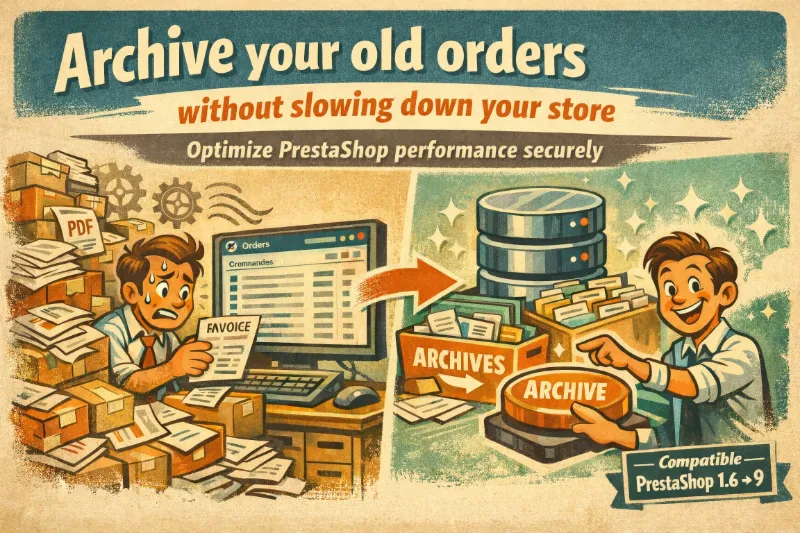
After several years of activity, an online store accumulates thousands — sometimes tens of thousands — of orders. This data, rarely accessed beyond 2 or 3 years, continues to weigh on back-office performance, slow down exports, and inflate backups. Until now, merchants had to choose between keeping everything and suffering the slowdowns, or deleting manually at the risk of losing important information.
Mediacom87 Archive Orders offers a third option: archiving.
The concept
The module moves old orders to a dedicated archive table in your database. Orders disappear from the regular back office, immediately lightening SQL queries and page loads. But they are not lost: every archived order retains all its data and can be restored with a single click.
Before archiving, the module generates and stores invoices and delivery slips as PDF files on your server. This way, you maintain your accounting obligations independently from the original order.
How it works
The process runs in three automatic steps:
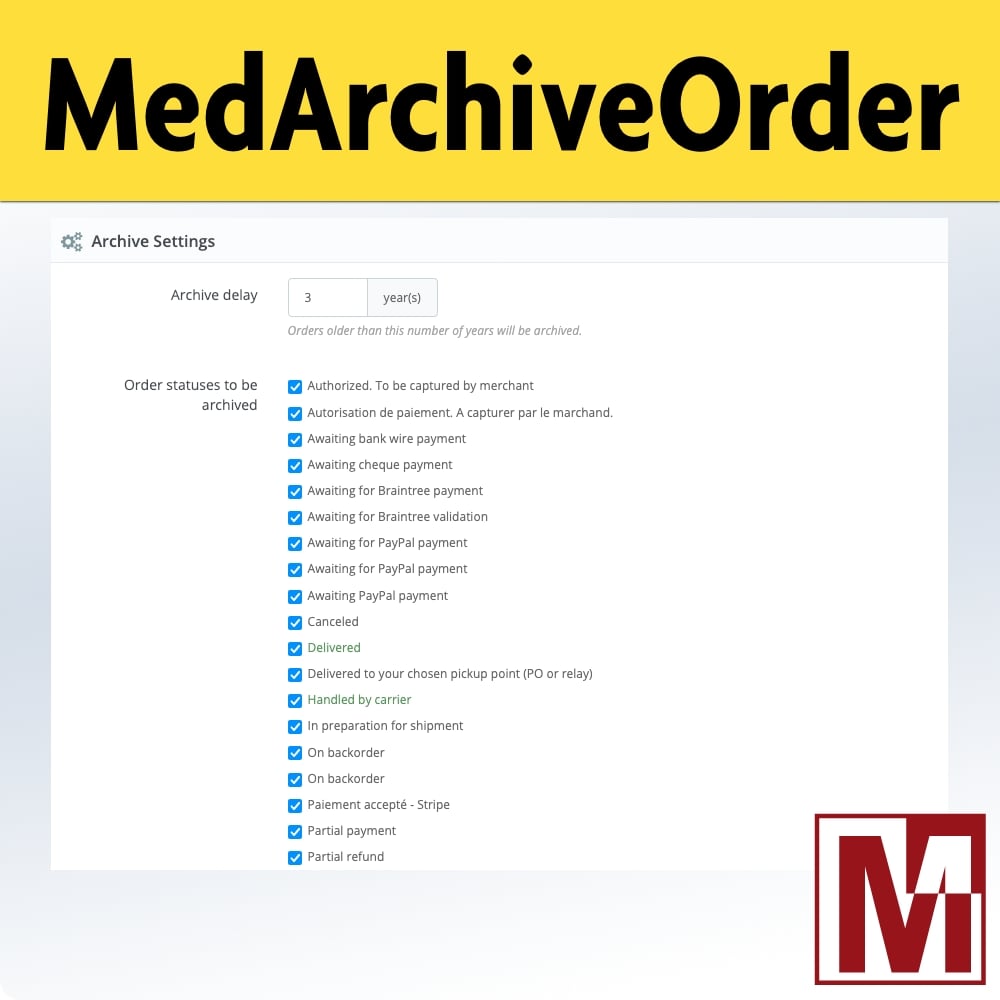
- Collection: the module identifies eligible orders based on the age delay and statuses you configured. It generates PDFs for each order and exports all related data (details, payments, history, cart, invoices, credit slips, messages) as JSON.
- Archiving: an archive record is created with order metadata, PDF paths, and the complete JSON. The original order and its 16 associated tables are then removed from the database.
- Notification: a summary email is sent with the list of archived orders and merged PDFs as attachments.
Processing runs in batches with a progress bar. You can stop it at any time without risk.
Full restoration
This is the feature that makes the difference. Every archived order can be reinserted into PrestaShop with all its data: order, product details, taxes, status history, cart rules, payments, invoices, credit slips, carrier, messages, and original cart.
The operation is available from the archive list, as a single action or in bulk.
Scheduled deletion
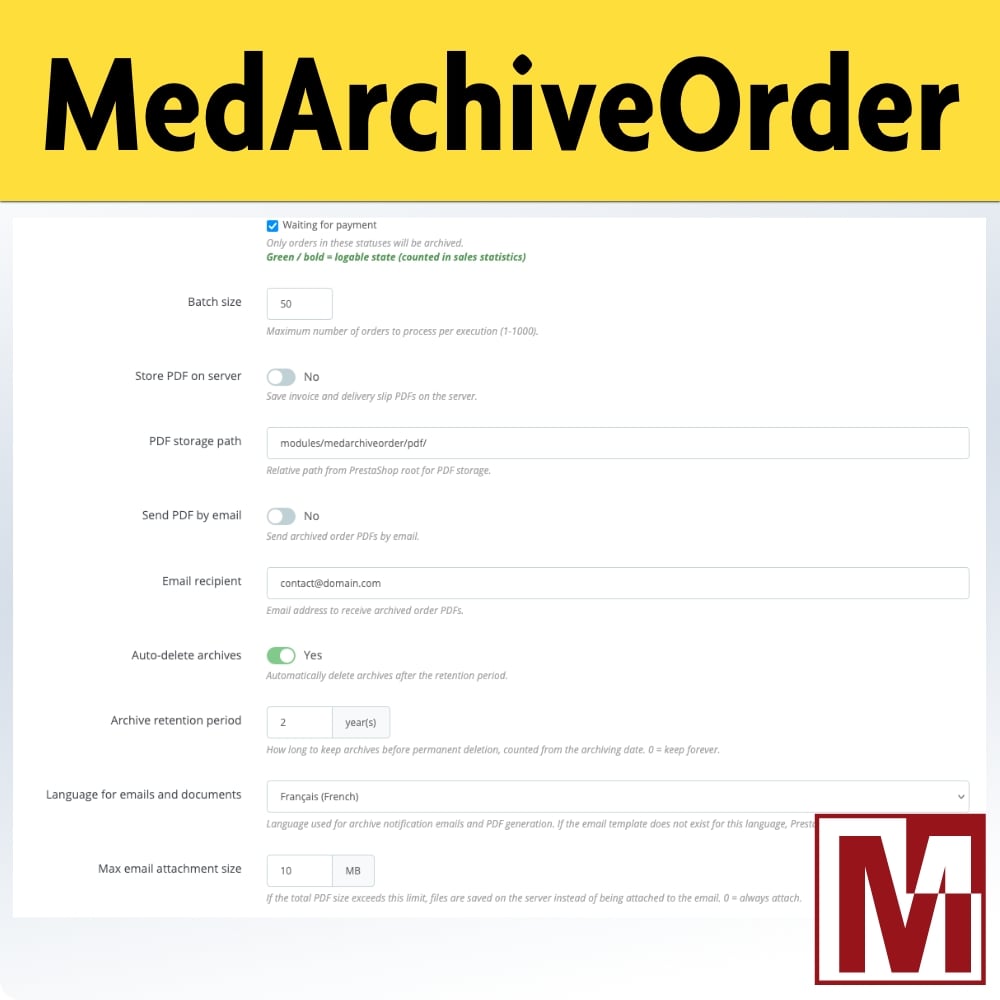
For merchants subject to time-limited retention obligations, the module offers scheduled automatic deletion. Set a retention period (in years) and expired archives will be automatically purged: PDF files are removed from the server and the archive is flagged as deleted.
CRON automation
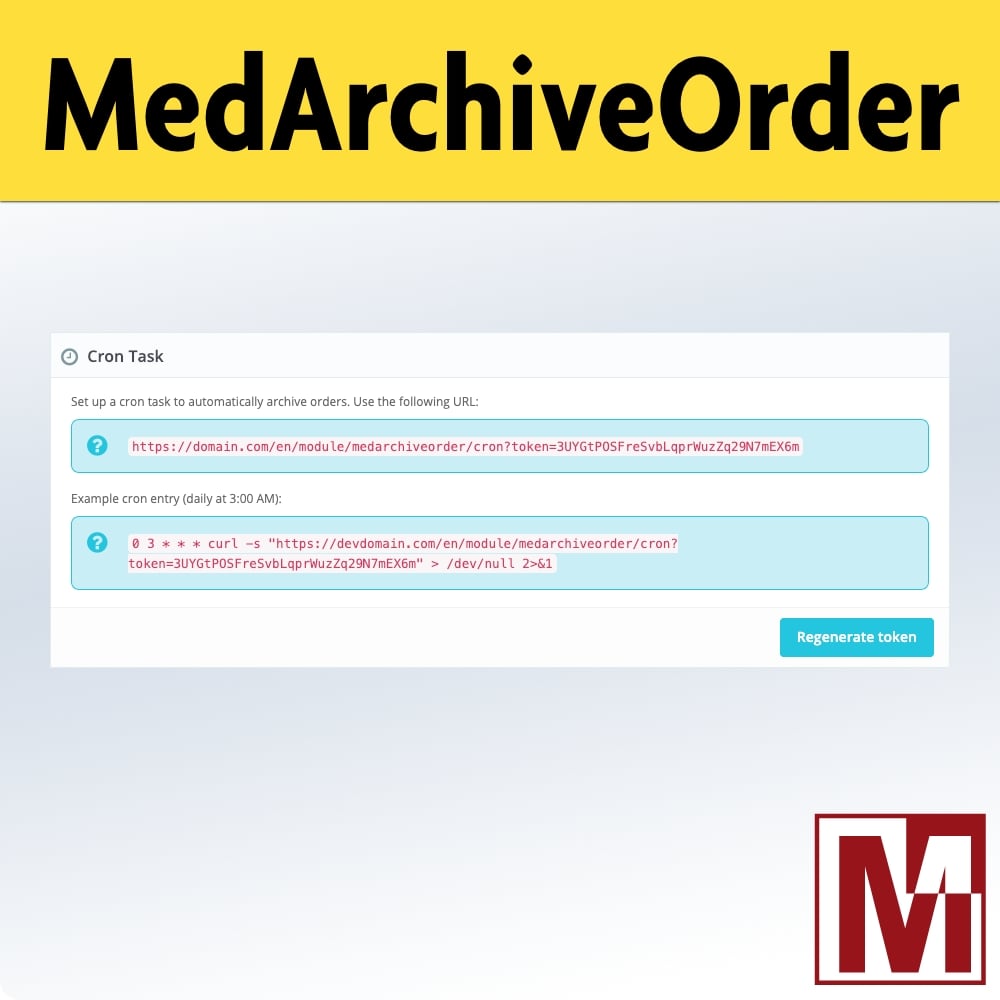
The entire process — archiving and purging — can be fully automated via a CRON task. The module provides a URL secured by a 32-character token, displayed on the configuration page. A daily run during off-peak hours is enough to maintain an optimal database without any manual intervention.
Admin interface
The module adds a dedicated menu in the back office with:
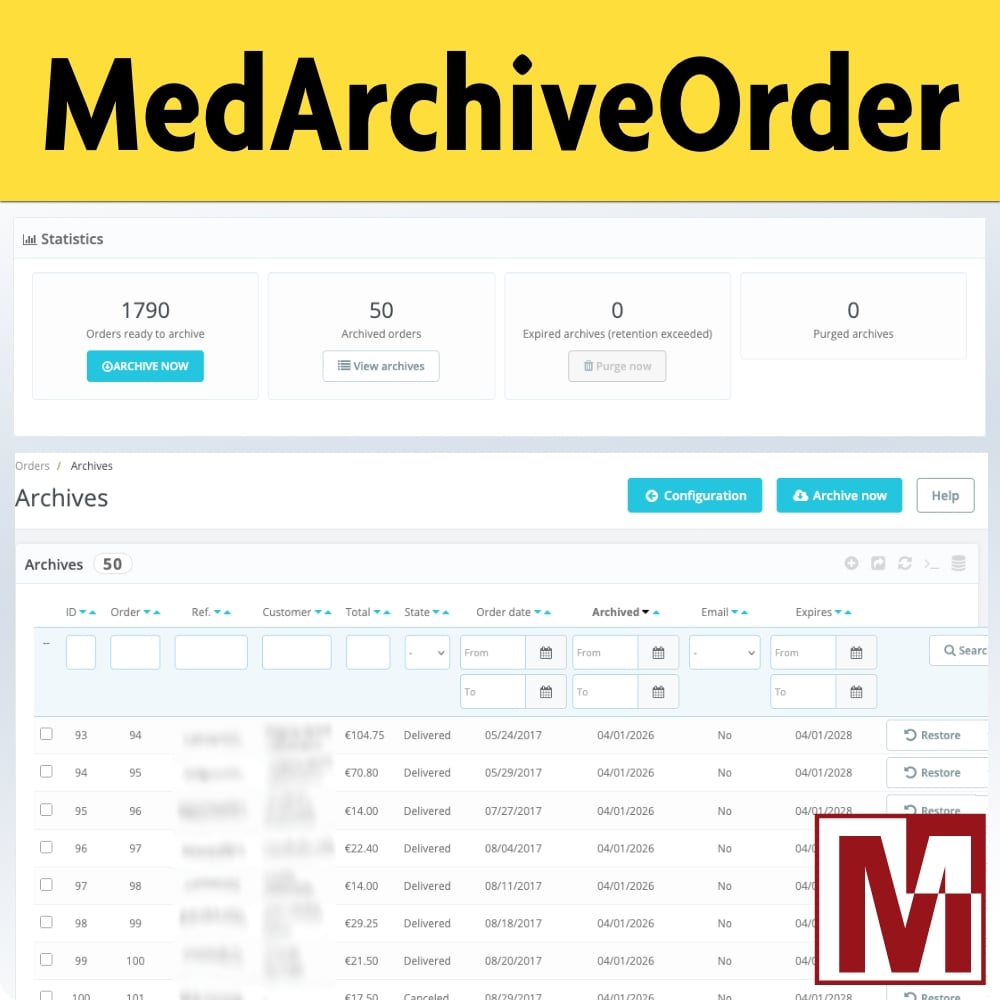
- A real-time statistics panel (archivable, archived, expired, and purged order counts)
- A complete archive list with filters, sorting, search, and export
- Individual actions: restore, download invoice, download delivery slip, delete
- Bulk actions: restore selection, delete selection
Security
PDF download links sent by email are signed with HMAC-SHA256. The CRON token can be regenerated from the back office. All operations are logged in a dedicated log table.
Compatibility
Mediacom87 Archive Orders is compatible with PrestaShop 1.6, 1.7, 8.x, and 9.x as well as thirty bees 1.6. The module works with PHP 5.6 to 8.3+ and supports multishop with per-shop data isolation. The interface is translated into 18 languages.
Download
The module is available on PrestaToolbox and on the PrestaShop Addons marketplace.
Demonstration
https://demo-addons.eu/medarchiveorder/landing/
Images

Comments